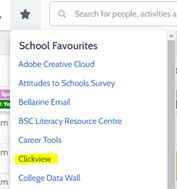
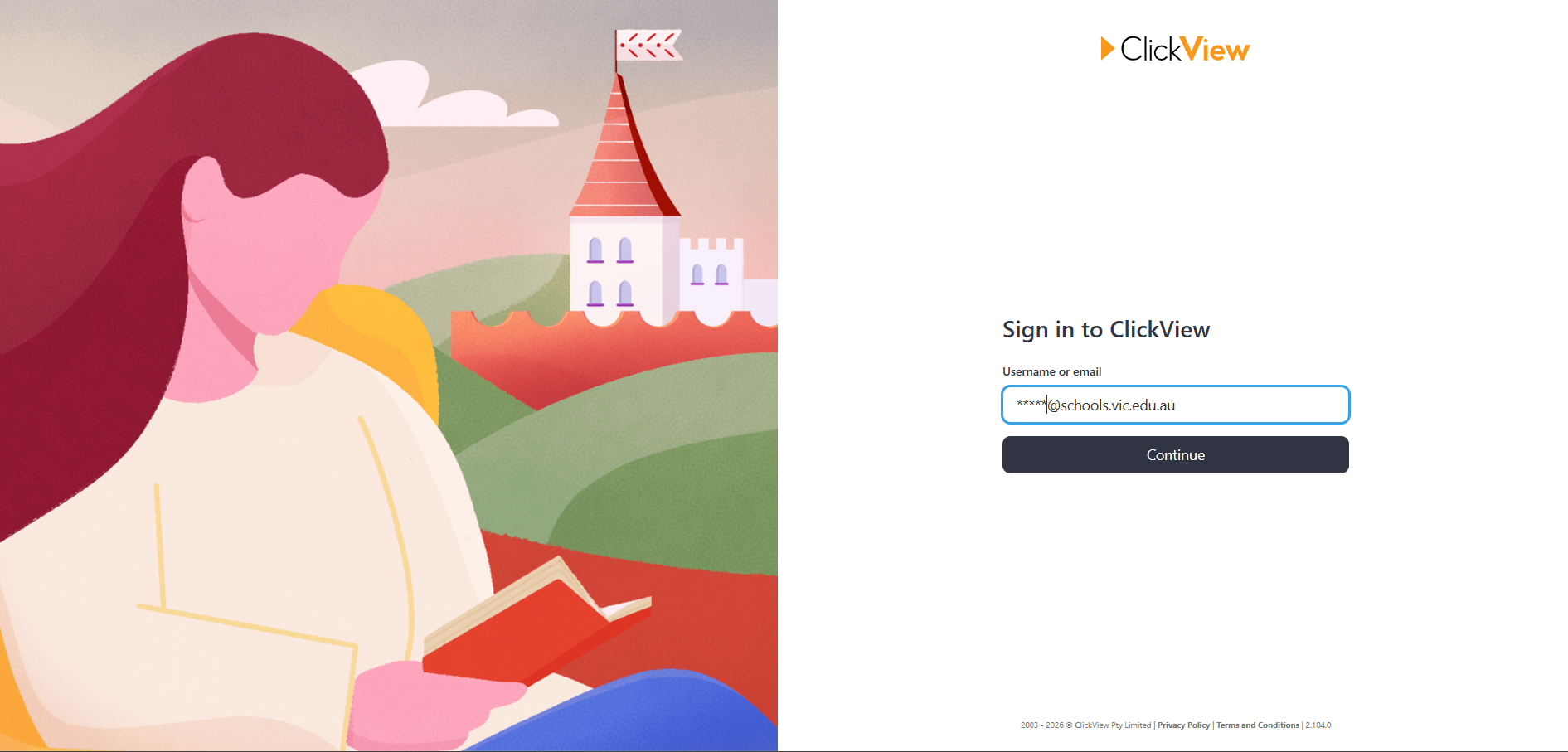
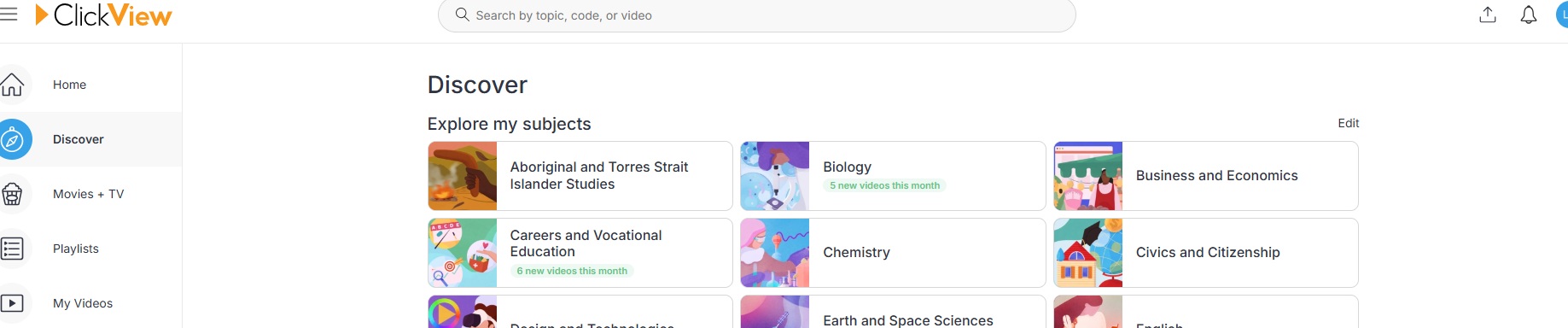
When the ClickView page loads, you will see the “Sign into ClickView” option below, click the button to enter your email address (@schools.vic.edu.au for students, and @education.vic.gov.au for staff:
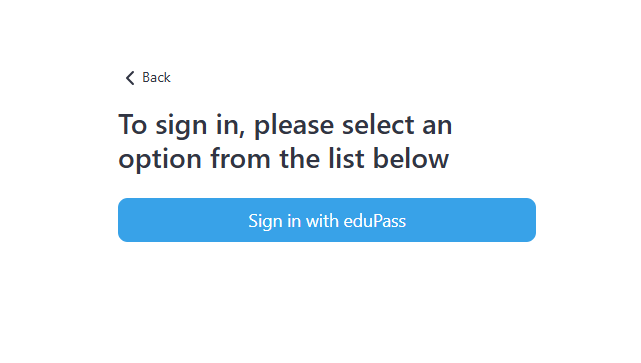
Select “Sign in with eduPass” from the button as seen below: (If you do not see this option DO NOT Procced)
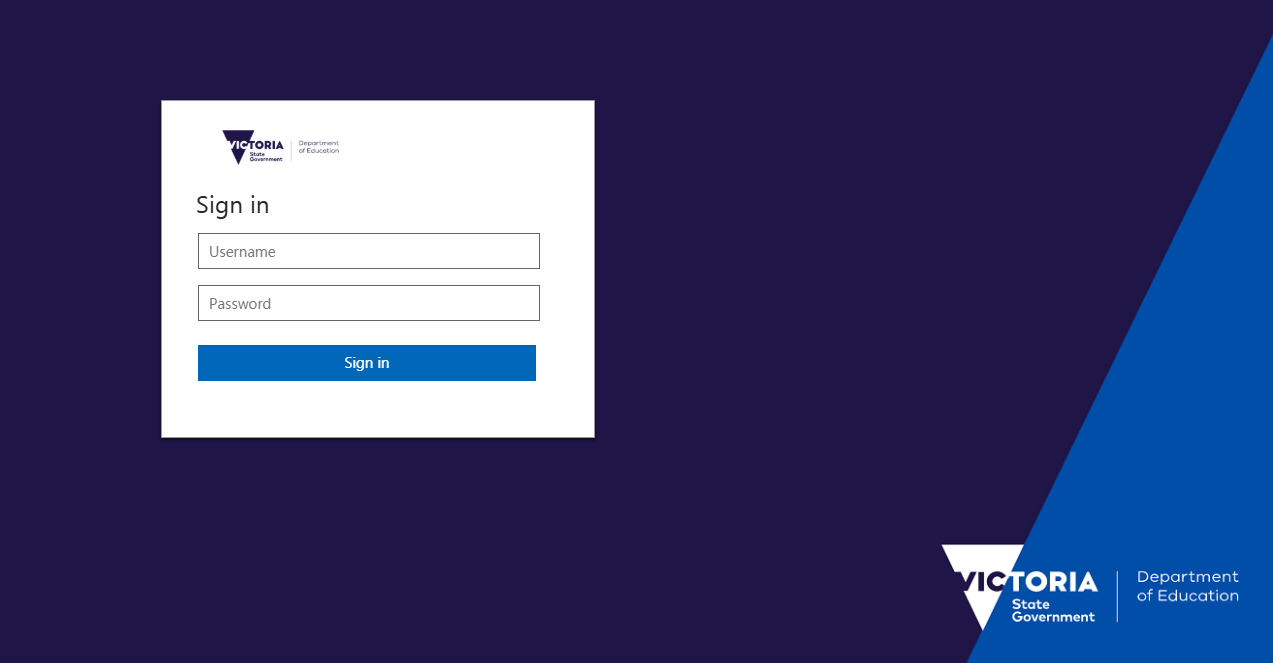
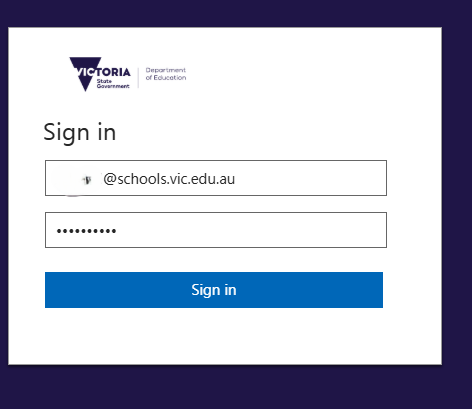
You will then receive the Single Sign on screen for The Department of Education.
Enter your @schools.vic.edu.au for students, and @education.vic.gov.au for staff:
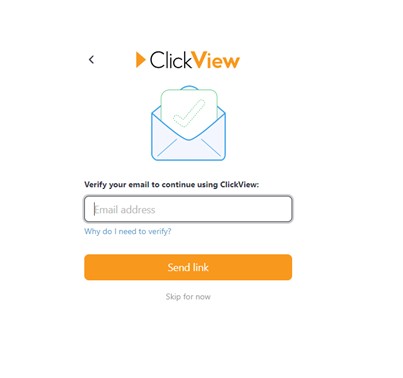
Clickview may want to send a secondary request to confirm your identity. If you see the below screen, enter your email address again, and “send link” Open your Email (Email Link from Compass Favorites) and enter the Code OR Alternatively select “Skip for now” as per the screen shot below.